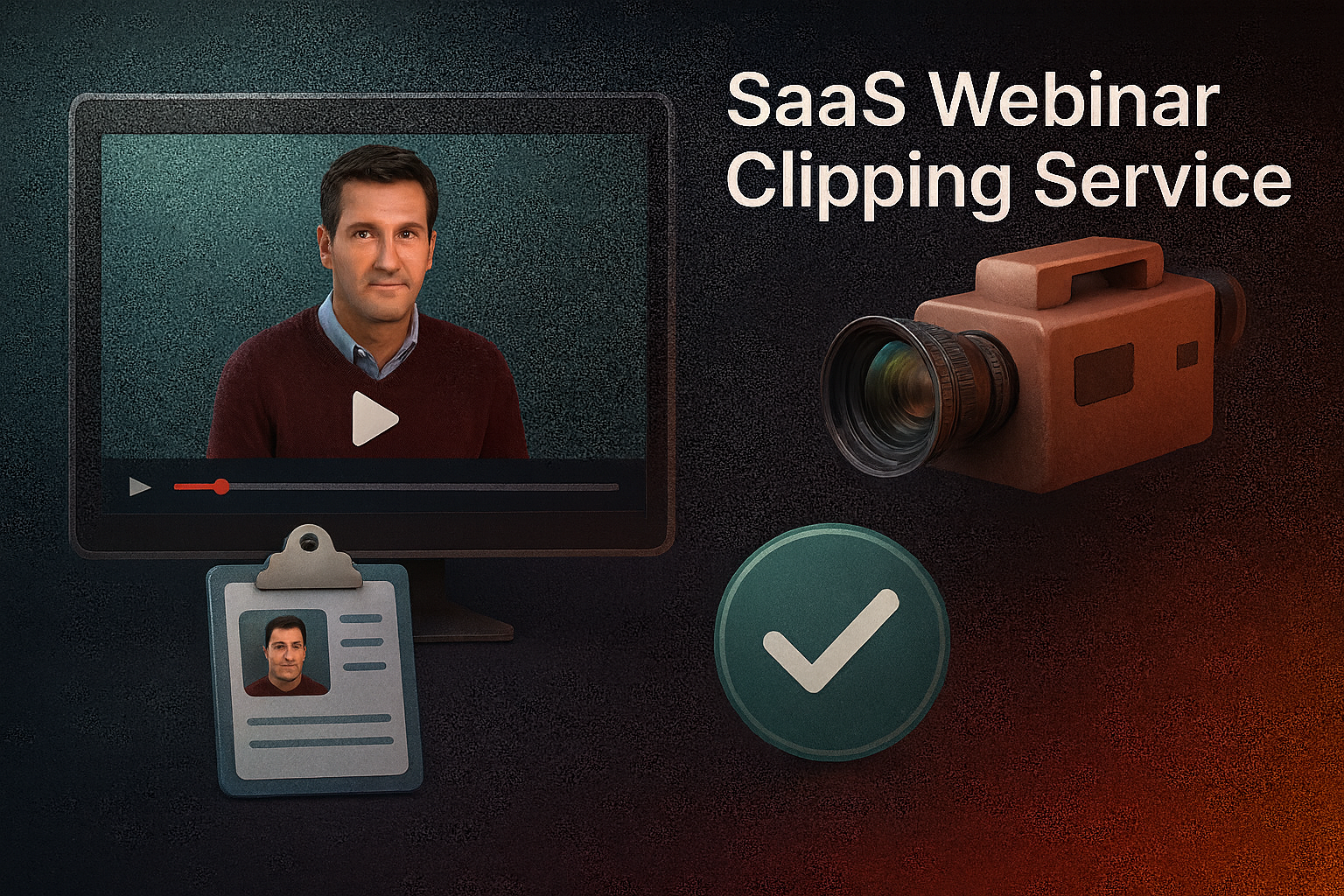

A SaaS webinar clipping service helps turn long webinars into short, engaging highlights that capture attention and drive results.
It’s funny how a webinar can feel packed with value, yet most of it ends up buried inside hours of talking. The insights are there, but getting to them can feel like digging through a long, endless conversation. And that’s the real problem—not the content, but the time it takes to unlock it.
Now imagine turning those hidden moments into short clips people actually watch, share, and remember. Instead of asking someone to sit through a full recording, you hand them the highlights. Quick. Clear. Useful. That’s where a SaaS webinar clipping service steps in. It listens, detects what matters, and pulls out the pieces worth keeping.
So instead of letting your best ideas stay trapped in the long version, you get something short enough to spark interest and strong enough to drive results.
What a Webinar Clipping Service Really Does
Webinars are full of ideas, but they don’t always work in their original form. They’re long. They move slowly. They ask for more attention than most people are willing to give. And even when someone wants to learn from them, they rarely have the time to watch the whole thing. So the value stays locked inside, waiting for someone to pull it out.
That’s exactly what a clipping service solves. It takes a full-length webinar and reshapes it into short, digestible pieces. Not by randomly cutting or trimming footage, but by identifying the moments that actually matter. The strong statements. The clear explanations. The surprising examples that spark interest. It transforms “hours” into “seconds,” without losing meaning.
Turning Insight into Short Wins
A clip isn’t just a shorter video. It’s a message with focus. It delivers one idea clearly, without distractions. And because it’s fast to watch, it fits the way people consume content today. Someone scrolling through LinkedIn, Instagram, or YouTube doesn’t want a full lecture. But they will stop for a sharp takeaway that teaches something in under a minute.
This is where a SaaS webinar clipping service changes the game. It listens to the webinar for you. It doesn’t get bored, tired, or overwhelmed by length. Instead, it hunts for highlight-worthy moments automatically, using patterns in language, tone, and presentation. It picks out the parts most likely to engage viewers, then shapes them into ready-to-publish clips.
More Than Editing, It’s Repurposing
Traditional editing only cuts what you ask it to cut. It waits for direction, then follows it exactly. But a smart clipping service doesn’t wait. It suggests, analyzes and actually offers ideas. Instead of asking, “What part do you want to clip?” it asks, “Why not use this moment?” That subtle difference saves time and unlocks more value from each session.
And these clips don’t just exist for social media. They can fuel newsletters, boost landing pages, strengthen sales presentations, and even support onboarding or training. One webinar suddenly becomes a full library of resources. This is less about producing content, and more about reusing content wisely.
A Small Tool With a Big Ripple Effect
Brands spend hours preparing webinars. They invite guests, write scripts, design slides, and promote the event everywhere. So why let all that effort fade after one viewing? Short clips extend the life of every webinar. They keep the conversation alive long after the live session ends.
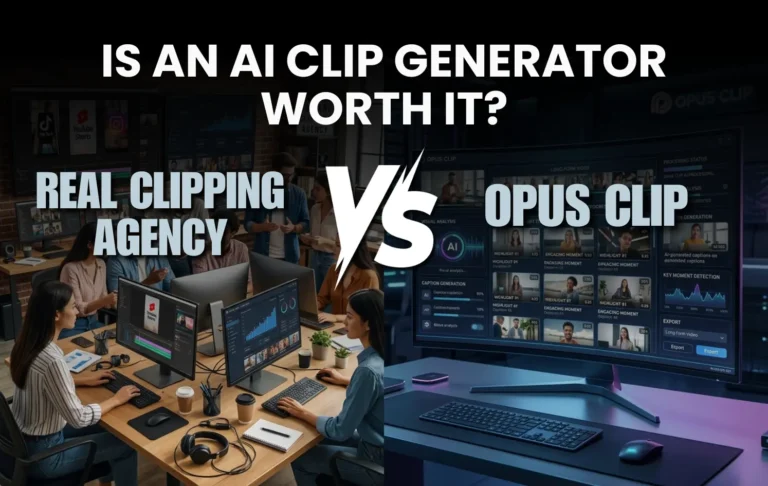
Companies like Clipping Agency build on this idea, showing how one recording can produce dozens of meaningful assets. It’s smart, practical, and surprisingly cost-friendly when compared to manual editing.
In the end, the goal isn’t just to shorten content. It’s to make it easier to understand, easier to share, and easier to remember. Because when knowledge becomes simple to consume, it becomes far more powerful.
The Power of Automation
Most people think clipping a webinar is just cutting out a few good moments. But doing it by hand takes hours. You scrub through long recordings, you wait for the “good parts” to show up, and you never really know if you missed something better. It feels like searching for a single quote in a long book. You keep scrolling back and forth, hoping you didn’t overlook the best line. That’s where automation steps in—and suddenly the hunt becomes fast, smart, and surprisingly precise.
Let the Machine Spot the Gold
Instead of scrolling endlessly, automation listens for you. It never grows impatient or distracted, continuously tracking tone, emphasis, engagement spikes, and repeated keywords to optimize performance. When a speaker explains a concept clearly or makes a strong point, automated tools recognize it. They don’t guess. They detect patterns we often miss when we’re tired, rushed, or simply overloaded with content.
And that’s the beauty of automated clipping. It turns long webinars into highlight-rich material without the manual chase. You upload a video, and the system immediately begins digging out the moments worth keeping.
Speed Without Sacrificing Quality
A common fear with automation is losing quality. People assume faster means cheaper or less thoughtful. But here, the speed is a result of accuracy, not shortcuts. Automation sees structure, not length. It understands context, not just audio. So the output is not random slices—it’s curated insight in smaller pieces.
This means marketers, educators, and business teams can produce clips faster without watering down the message. Instead of spending hours editing, they spend minutes refining. The tedious part disappears, leaving space for creative decisions like visual branding, caption style, platform format, and messaging goals.
The Hidden Edge of Smart Repurposing
Automation doesn’t replace storytelling; it clears the path for it. When you’re not trapped in long editing sessions, you get time to think about how each clip will work. Maybe one piece sparks curiosity. Another builds authority. Another drives traffic. Clips become intentional—not just recycled footage.
This shift matters because great content isn’t just about creation. It’s about distribution. And automation makes it easy to produce enough clips to test multiple platforms and styles. That freedom is impossible when you’re editing everything manually.
Why Automation Fits Perfectly With Clipping SaaS
A SaaS webinar clipping service lives on automation. It thrives on speed, consistency, and pattern-based decision-making. It turns every webinar into a pool of potential content, waiting to be shaped into shorter, powerful pieces. The result? More reach, less effort, and a steady stream of content without constantly recording something new.
Automation doesn’t just make clipping easier. It transforms how we reuse knowledge, how we share ideas, and how we keep important messages alive long after the webinar ends.
Key Features of a Smart Webinar Clip Generator
A good clipping tool doesn’t just cut video. It understands it. It listens for meaning, spots emotion, and notices the moments that would make someone stop scrolling and think, “That’s useful.” So instead of creating random shortcuts, it builds focused, powerful clips. And the best part? It does all this without asking you to dig through hours of footage.
Here’s what makes a truly smart SaaS webinar clipping service stand out.
AI Scene & Speaker Detection
Great clips begin with clean transitions. Smooth starts. Clear context. Scene and speaker detection make that possible. The system recognizes when someone new starts talking or when a visual changes. This means no awkward mid-sentence cuts. Instead, you get clips that feel natural, even though they’re shorter. It’s like trimming without losing the flow.
Automatic Highlight Extraction
A smart automated webinar clip generator listens the way a good editor would. It captures strong viewpoints, clear explanations, and impactful phrasing by analyzing speech patterns, tone, and key phrases – delivering valuable insights without relying on luck or guesswork. And since it doesn’t get tired, it finds more highlights than any human editor would.
Custom Clip Length Rules
Not every platform likes the same length. Some love 15-second punchlines. Others prefer a 60-second thought. That’s why custom clip rules matter. You choose the format—short burst, medium insight, or longer takeaway—and the platform shapes each clip to fit. It takes a complicated decision and makes it simple. You hit upload, and the tool does the rest.
Auto Subtitles & Brand Templates
Good content isn’t just heard; it’s seen. Subtitles keep people watching even with the sound off. Brand templates make the clip look polished without a designer. Together, they turn small videos into shareable assets. The viewer knows who you are before they even reach your website. That is how clips build identity, not just views.
Platform-Ready Export
Different platforms have different shapes—vertical, square, horizontal. A smart automated webinar clip generator formats clips for TikTok, Instagram Reels, YouTube Shorts, LinkedIn, and more. No resizing. No re-editing. Just export and publish. It removes technical barriers so the message can travel anywhere.
Collaboration & Cloud Storage
Content usually passes through a team—marketing, editors, educators, or managers. Built-in collaboration lets everyone access clips, leave notes, and review quickly. Cloud storage saves versions, formats, and drafts. Nothing gets lost. No one works from outdated files. It keeps the team moving without slowing down the process.
Smart Features, Real Purpose
All these tools serve one goal: making valuable knowledge easier to share. Not to replace creativity, but to support it. Not to shorten content blindly, but to highlight what matters. A smart clip generator frees your ideas from long recordings and gives them the shape they deserve—clear, quick, and ready to reach people who need them.
Manual Editing vs. AI Webinar Highlights: The Real Difference
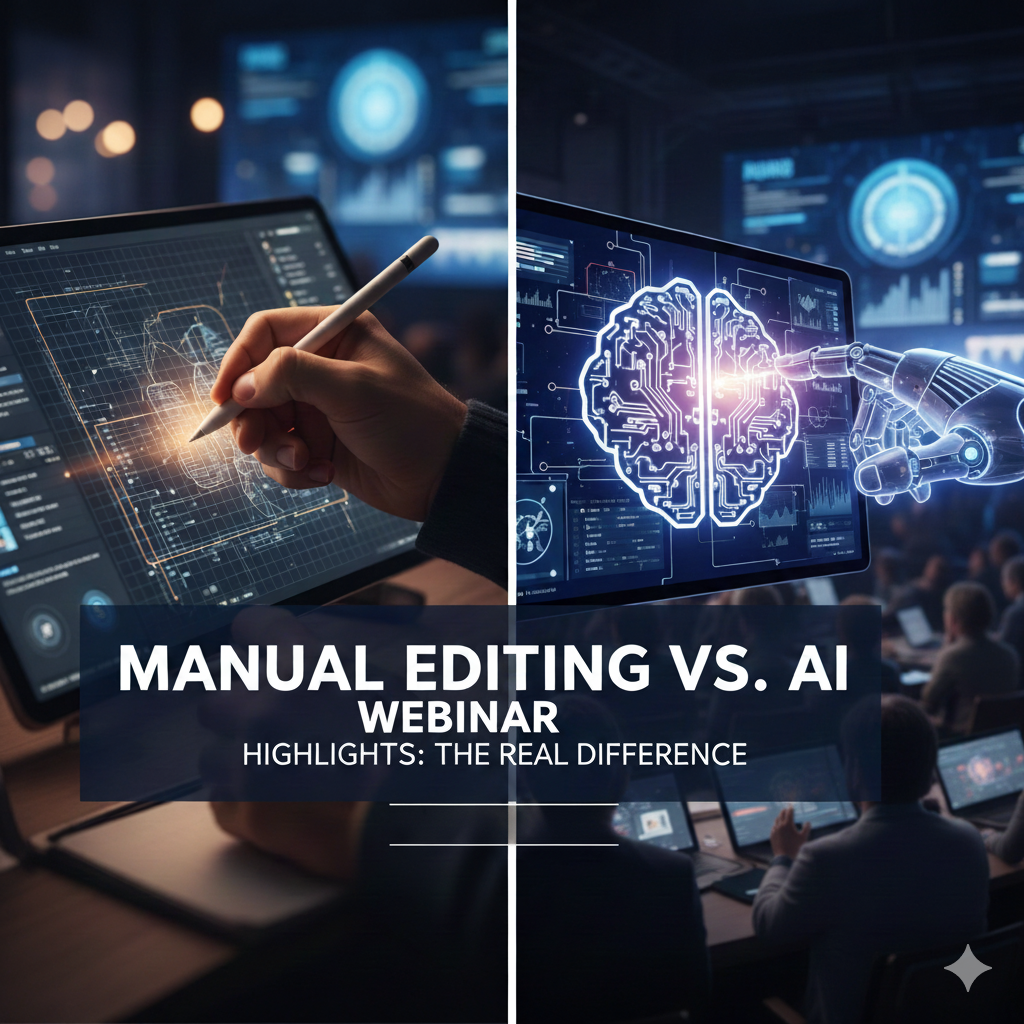
Clipping a webinar by hand feels a lot like mining without a map. You keep digging, hoping to find something valuable, and you’re never sure if it’s the best part until you’re done. It demands time, patience, and way too much focus. And even then, you might miss the strongest moments simply because your eyes got tired or your mind wandered after the 46th minute.
Now compare that to a tool built to detect highlights instantly. It listens with full attention, picks out key points automatically, and doesn’t blink once. Suddenly, the stressful hunt becomes a smooth, predictable process. That’s the shift from manual editing to automation, and it changes everything.
When You Edit by Hand, Time Takes Control
Manual editing forces you to sit through the entire recording. You scroll, you pause, you rewind, and you guess. A two-hour webinar can easily turn into four hours of clipping. And there’s always uncertainty. Did you choose the right moment? Was there a stronger example hidden somewhere? That doubt eats more time than the actual editing.
Manual work limits how much content you can repurpose. One video becomes one or two clips, maybe three if you push yourself. The rest of the gold remains buried, untouched, simply because no one has the hours to search for it.
Automation Flips the Workflow
An AI webinar highlights tool doesn’t wait for direction. It analyzes the entire webinar the moment you upload it. It spots tone shifts, topic transitions, keyword emphasis, and meaningful statements automatically. Instead of manually searching for important parts, you start with a list of potential highlights already picked out for you.
So the workflow flips. You don’t spend time finding ideas. You only spend time finishing them—adding subtitles, choosing templates, deciding where to post. Suddenly, you’re no longer an editor digging through footage. You become a strategist deciding how each clip will work.
Quality Isn’t Lost; It’s Boosted
Many people worry that automation might make the results feel robotic or generic. But smart AI doesn’t create clips randomly. It finds moments with energy, clarity, or value. Then you refine them. You still control tone, brand design, and messaging. The tool only removes the boring part—the long search.
Think of it as having an assistant who organizes the highlights, while you polish the story. Together, you get quality and speed at the same time.
The Real Edge of Using a Webinar Clipping SaaS
With a SaaS webinar clipping service, you produce more content, but without extra effort. You get five, ten, even twenty valuable clips from a single webinar. You test more formats, reach more platforms, and repurpose more ideas. And with an AI webinar highlights tool on your side, you don’t just save time—you multiply opportunities.
Manual editing tries to keep up. AI helps you stay ahead.
Must-Have Integrations in a Webinar-to-Short-Form SaaS
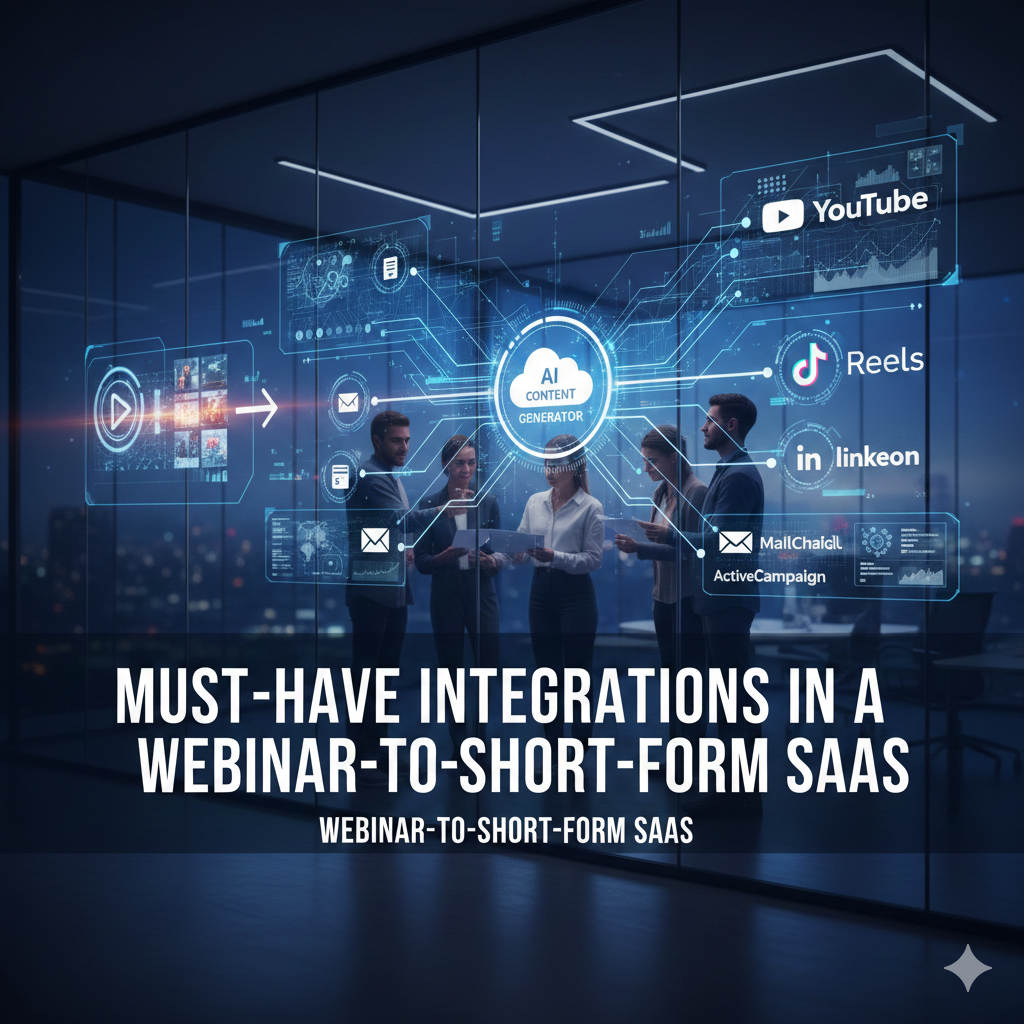
Clipping a webinar is great. But doing it inside a platform that connects to everything you already use? That’s when it becomes effortless. No downloading giant files, dragging videos from one tool to another or messy folders sitting on your desktop like a digital landfill. Instead, your system talks to your apps, pulls files where they live, and sends clips right where they need to go. It feels less like work and more like content flowing naturally.
That is exactly how a smart Webinar-to-short-form video SaaS should behave. It isn’t just a clipping machine; it’s a bridge between your tools, keeping everything connected without chaos.
Direct Webinar Platform Imports
Webinars start from platforms like Zoom, Google Meet, Teams, or specialized webinar tools. So the perfect clipping SaaS shouldn’t wait for manual uploads. It should grab recordings directly from these platforms. One click, and the file appears in your dashboard. No saving. No transferring. Just instant access.
This small integration removes the most annoying delay in handling webinar content. Instead of wasting time on file management, you jump straight into creation.
Cloud Storage Connections That Actually Save Time
Many teams store content in Google Drive, Dropbox, or OneDrive. So why download from there just to upload somewhere else? A smart system connects to cloud storage and lets you pull webinars in seconds. It even syncs automatically when someone adds a new file. No one needs to “ask for the recording” ever again.
With this kind of flow, a SaaS webinar clipping service doesn’t just shorten videos—it shortens workloads.
Publishing Integrations for Social Media
Creating clips is only half the story. Posting them is where attention happens. So strong integrations push clips directly to social platforms: LinkedIn, TikTok, Instagram Reels, YouTube Shorts, and even Facebook pages.
You pick a clip, choose a platform format, schedule or publish, and done. No exporting, resizing or guessing which shape fits a feed. A Webinar-to-short-form video SaaS should handle that behind the scenes. You just decide when and where the message goes.
CRM, LMS & Marketing Tool Sync
Clips aren’t only for social media. They can nurture leads, onboard clients, train new hires, or support a sales pitch. So linking clips to CRMs like HubSpot or Salesforce means teams can use webinar highlights as part of their sales follow-ups.
In the same way, learning management systems can use clips for training modules. Marketers can drop them into email campaigns. Every department gets value, and the webinar suddenly becomes a multi-purpose tool, not just a one-time event.
Transcription & Caption Engine Integration
Great clips must communicate even in silence. Integrations with transcription and caption engines turn speech into readable, accurate text instan tly. No typing. No correcting every word. The system adapts to brand fonts, sizes, and colors. The result looks polished, not automated.
Connections That Create Value
The right integrations turn a simple editing tool into a content ecosystem. They remove workload, add possibilities, and help teams repurpose knowledge faster. With smart connections, a clipping platform isn’t just software. It becomes the easiest way to transform long conversations into shareable ideas that travel everywhere.
How to Choose the Right SaaS Clipping Tool
Choosing a clipping tool sounds simple—until you realize every platform promises speed, automation, and “smart results.” They all say they save time. They all claim they produce great clips. But those bold claims mean very little if the tool doesn’t fit the way your team actually works. So instead of looking for the loudest features, it’s better to look for the quiet strengths. The things that make everyday work easier, not harder.
Because the right SaaS webinar clipping service doesn’t just cut videos faster. It removes pressure, reduces steps, and helps you create more content without thinking twice.
Look for Real Automation, Not Just Shortcuts
Some tools call themselves “AI,” but still ask you to mark timestamps and export manually. That’s not automation. That’s disguised editing. True automation detects highlights, trims clips, aligns speakers, adds subtitles, formats the video, and offers ready-to-post options. You shouldn’t have to “guide” the tool like a student. It should work like a reliable assistant who already understands the assignment.
Make Sure It Fits the Platforms You Use
Your clips will live on social media, in emails, on websites, or inside training systems. So the tool must understand those destinations. It should export in vertical, square, and horizontal formats without needing a separate editor. It should let you publish or schedule directly, not make you juggle files.
If a clipping tool doesn’t help you reach platforms easily, then it’s only solving half the problem.
Check for Brand Consistency Tools
Clips shared without branding are like postcards without names. People enjoy them, but no one remembers who sent them. The right tool allows brand templates—colors, fonts, logos, subtitles, layouts—saved once and applied automatically. That way, every clip looks like it came from the same brand even if different team members produced them.
It’s not about style. It’s about identity.
Prioritize Collaboration Over Solo Editing
A single webinar touches many hands: marketing wants one angle, sales wants another, and training teams might need something completely different. So your clipping platform should support shared access, team feedback, and version control. Nothing gets lost. Nothing gets duplicated. Everyone sees the same dashboard and works in the same space.
Team-driven content grows faster when the tool respects teamwork.
Test Workflow, Not Just Features
Most platforms offer free trials. Instead of testing every button, focus on how it feels to use. Did it take fewer steps, save you real time, deliver more clips than expected, and help you think less while creating more? If the tool leaves you wondering how to do basic tasks, it’s the wrong one—no matter how fancy the features sound.
Choosing by Ease, Not Hype
In the end, the best clipping tool is the one that makes content creation lighter. It should blend into your workflow, not force you to change it. It should help you publish ideas, not just trim them. And when clipped content becomes something you produce naturally, without effort or confusion, that’s when you know you chose right.
Metrics That Matter: Measuring Clip Impact
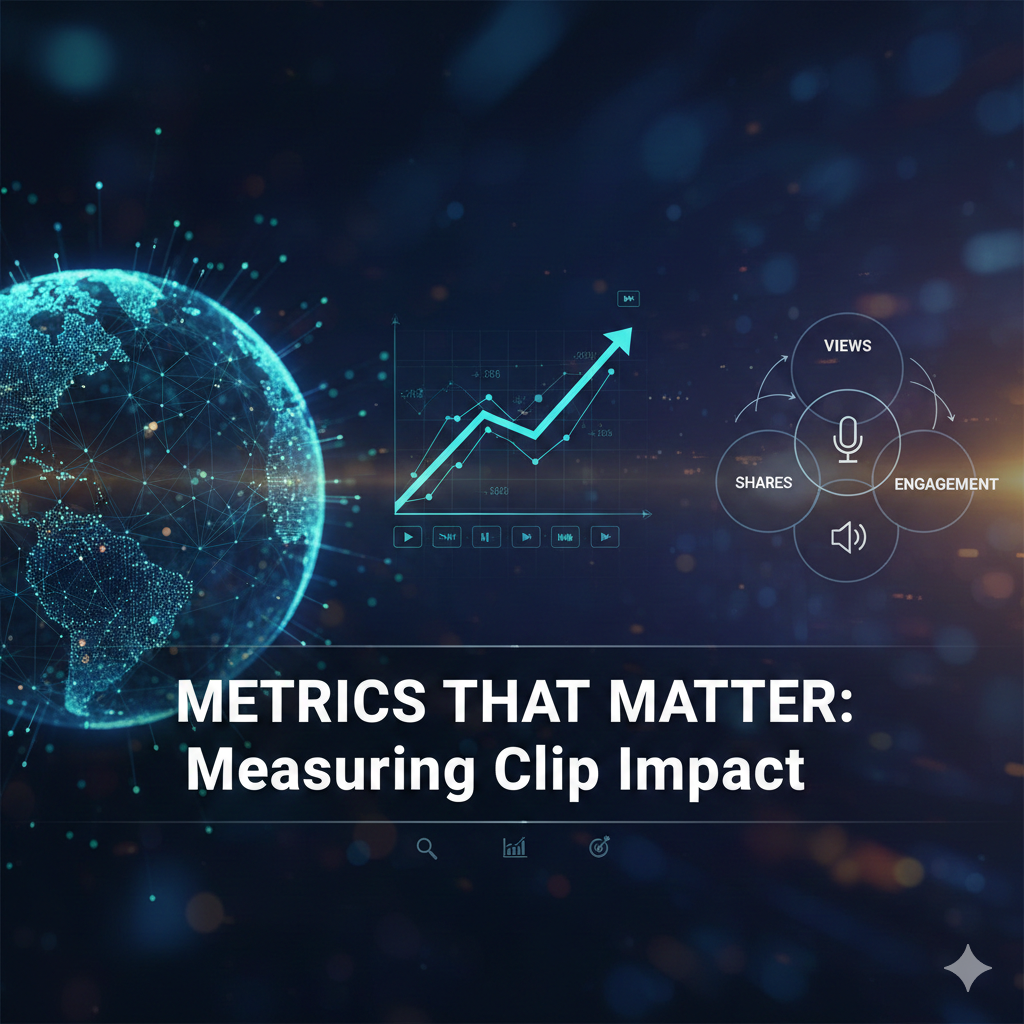
Making clips is only half the story. The real question is: do people notice them? Do they actually engage, click, or take action? Without measuring, all those highlights could just sit there, unnoticed. That’s why tracking the right metrics matters.
A SaaS webinar clipping service doesn’t just produce clips—it helps you understand what works and what doesn’t, so every snippet has purpose.
Engagement Rate: Are People Watching?
Views alone don’t tell the full story. Someone might start a clip and scroll past after a few seconds. Engagement rate shows how much of the clip viewers watch, whether they replay it, or interact with it. High engagement means the clip hits the mark. Low engagement? That’s a signal to rethink your highlights or hook.
Small tweaks—like opening with a strong line or a surprising fact—can make a huge difference. The faster you test, the quicker you learn.
Click-Through Rate: From Clip to Action
Clips often tease the main content. The click-through rate (CTR) shows if viewers are motivated to watch the full webinar, visit a landing page, or sign up for more. If people stop at the clip, it’s time to adjust the highlight or strengthen the call-to-action. CTR tells you whether clips are doing more than just entertaining—they’re driving action.
Leads and Conversions
Beyond clicks, the ultimate goal is results. Did the clip bring in new leads? Did it prompt a signup, download, or registration? Tracking conversions helps identify which topics, speakers, or formats perform best. Over time, you learn which clips create real value and which need a second look.
Shareability and Reach
Some clips get shared widely. Others barely get a nod. Shareability shows what people genuinely enjoy or find useful. When a clip is shared, it amplifies itself and reaches a new audience. Tracking shares and comments helps spot the moments that spark real interest.
Retention and Replay
The clips that viewers rewind or watch again are the ones that stick. Retention and replay data show which points resonate most. These insights help refine future clips and guide highlight selection, so your next batch performs even better.
Measure to Grow
Metrics turn clips into insights. Engagement, CTR, conversions, shares, and retention reveal what works and what doesn’t. With a SaaS webinar clipping service, you don’t just create videos—you create content that grows, spreads, and drives results.
Conclusion
Webinars are full of great ideas, but let’s be honest—most people don’t watch the whole thing. Hours of talking can feel heavy, and the best moments often go unnoticed. That’s why a SaaS webinar clipping service is so useful. It finds the highlights, turns them into short, clear clips, and makes sure your ideas actually get seen.
Automation and smart editing take the hard work off your plate, leaving you to focus on sharing. Each clip becomes a little spark—fast to watch, easy to share, and ready to grab attention. You’re not just trimming videos; you’re turning a single webinar into a stream of content that keeps working long after the live session ends.
From marketing to training to spreading knowledge, these clips give your message room to travel and resonate. Success isn’t about creating more—it’s about capturing the moments that matter and letting them shine. That’s the real power of a SaaS webinar clipping service.