
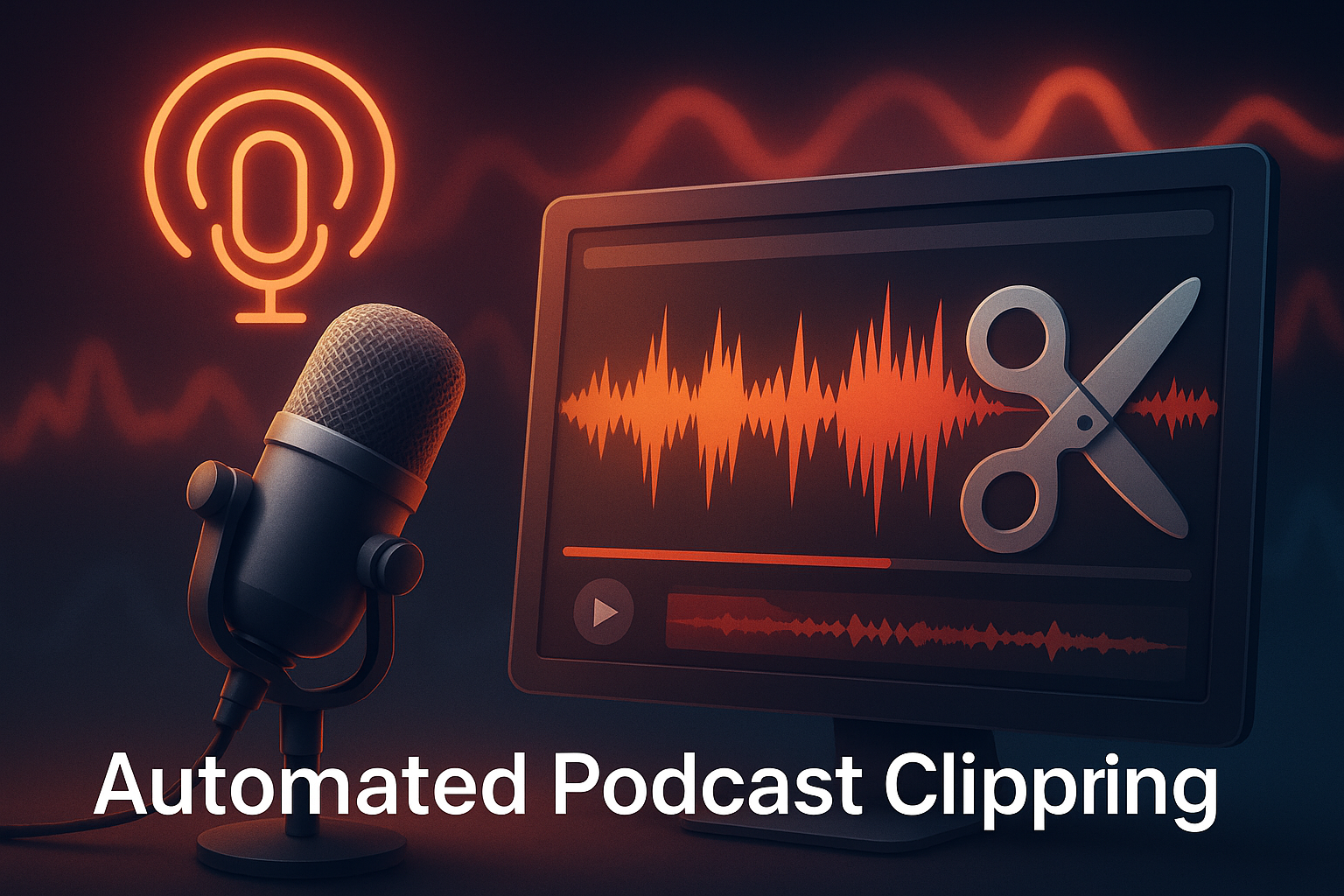
An automated podcast clipping system helps creators turn long episodes into shareable highlights, videos, and social-ready clips.
Sometimes a podcast holds its best moment in the middle of a sentence. It slips by, unnoticed, buried under an hour of talk. Listeners hear it once, and then it disappears into the noise. That’s exactly the problem a professional podcast clipping agency is built to solve, turning that buried gold into clips that actually reach people.
But now, things work differently. Instead of scrubbing through audio, hoping to find something worth sharing, creators let tech do the hunting. Slowly at first, then with surprising accuracy. An automated podcast clipping system listens, highlights, and pulls the gold out for you—almost like a quick-thinking editor who never sleeps.
And because everything turns into short, shareable clips so fast, your best moments finally stop hiding. They start working, start spreading and actually get seen.
What an Automated Podcast Clipping System Really Does
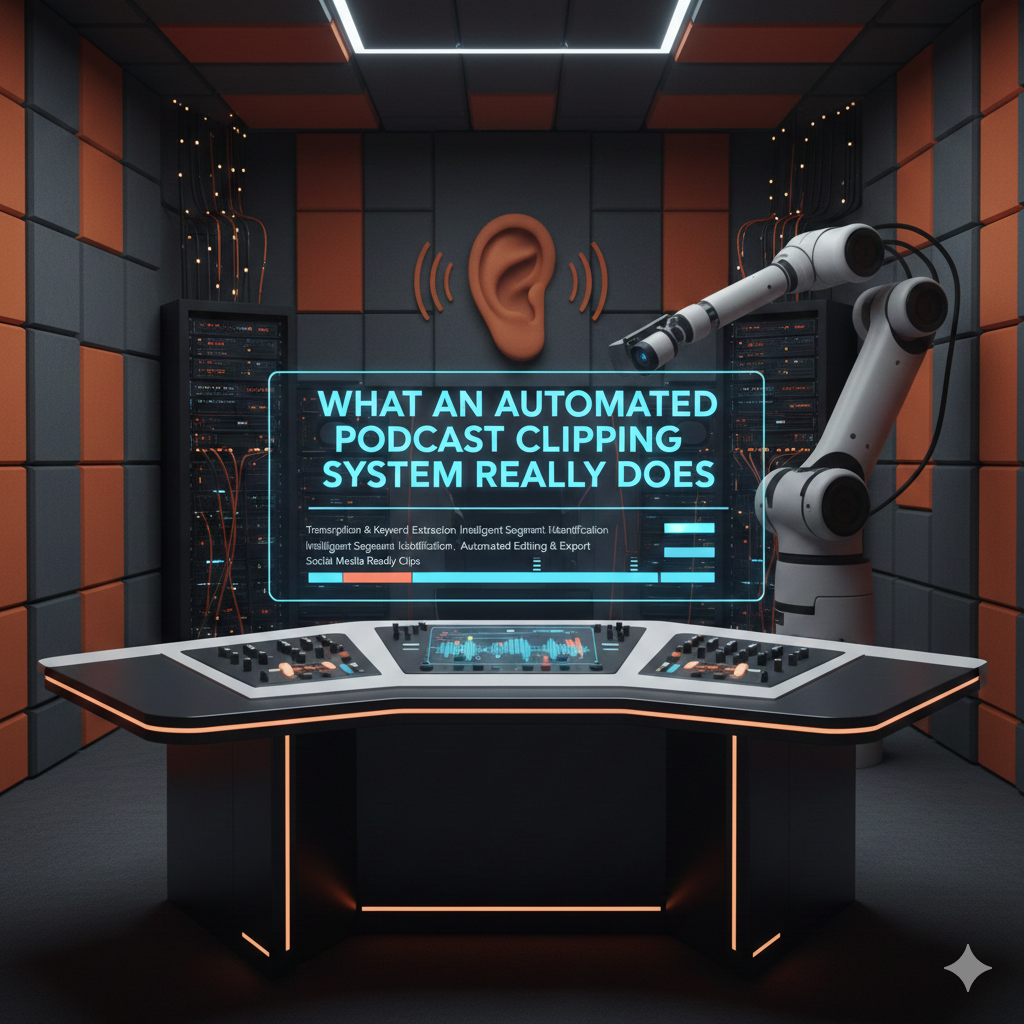
It doesn’t rush. It listens first. Patiently, like someone who knows there’s something valuable hidden beneath all the casual talk. And while most of us would skim through an episode, jumping from one timestamp to another, this kind of tech pays attention to every second. It waits for emphasis, catches rising energy, notices pauses, even picks up the subtle shift when a guest suddenly becomes passionate. That’s where the magic begins.
Listening With Intent
A regular editor hears words. An automated podcast clipping system hears meaning. It studies tone, detects emotions, and figures out when something feels bold, surprising, or memorable. Instead of you saying, “Find the best part”, the system quietly figures out what “best” actually sounds like. Maybe it’s a powerful idea. Maybe it’s a laugh that lands just right. Or maybe it’s a short statement that hits hard and doesn’t need more than ten seconds.
Everything is based on context. Not just audio, but intention.
Spotting What People Will Share
There’s a pattern behind viral podcast clips. A strong line. A quick story. A heated debate. Something relatable or something people want to argue about. That’s what gets shared. And instead of guessing, the system looks for that precise spark.
It highlights moments that can stand alone without the full episode around them. Short. Clear. Complete. These are the parts people replay, save, and send to friends. The system doesn’t chase trends—it identifies reactions.
Understanding Speakers, Space, and Silence
A podcast is more than talking. There’s the spacing between words, the pause before a punchline, and the laugh that breaks tension. The system looks at all of it. It figures out who is speaking, switches between hosts and guests, and treats every voice differently. Then, it cleans out awkward silence, filler words, and uneven volume without taking away personality.
It’s not just clipping. It’s shaping.
Preparing for Visuals Without Asking
Even if your show is audio-only, the system builds visuals like it already knows where your clips will end up. It picks layouts, creates waveforms, adds subtitles that move with the rhythm of speech, and chooses templates that feel familiar to social platforms. One clip may look bold for TikTok. Another may feel more thoughtful about LinkedIn. It adjusts automatically.
You don’t redesign, you just approve.
Working Quietly, Yet Saving Hours
While you sleep, while you record another episode, or while you think about the next guest—this system works. It saves time, reduces cost, and stops creators from drowning in manual editing. And then, just like a trained editor, it delivers ready-to-post highlights. No burnout. No back-and-forth. Just consistency.
Some teams still choose human oversight, and that’s smart. A little taste makes good clips great. A dedicated podcast clipping agency like Clipping Agency even combines both worlds, letting automation do the heavy lifting while experts refine the feel.
And then everything clicks. Not because you worked harder, but because you finally stopped working alone.
AI Podcast Clip Generator: The Engine Behind It
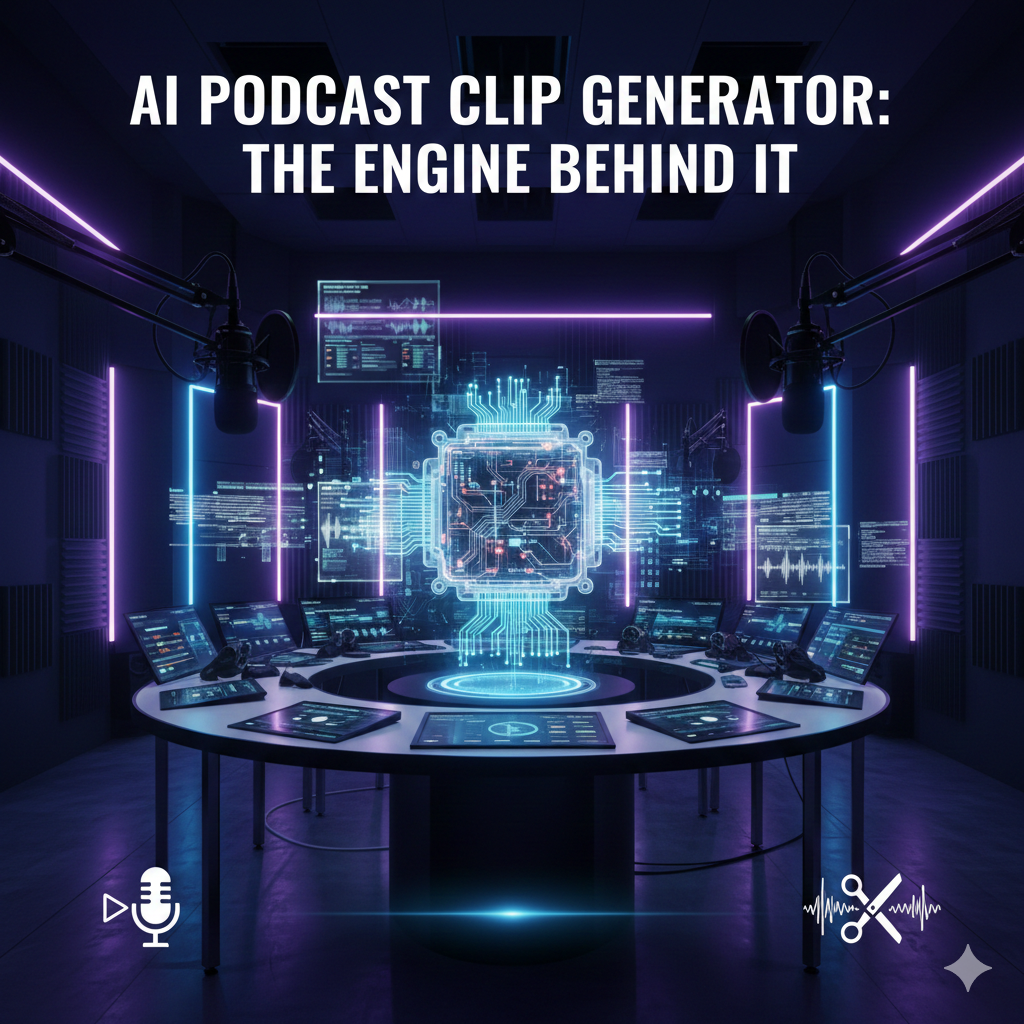
Before any clip ever hits a screen, something has to understand what’s worth keeping. Not just cutting a segment, but choosing a moment that actually speaks. That’s where the AI podcast clip generator steps in. It works like a listener who never gets bored and like an editor who doesn’t miss details. And because it powers the whole process silently, it becomes the real engine inside every automated podcast clipping system.
Hearing More Than Words
Most people listen to a podcast for content. AI listens for impact. It measures tone, finds emphasis, senses build-up, and identifies the exact second when a point lands the hardest. A guest suddenly gets honest? The AI catches it. A host makes a bold claim? The AI circles it. A moment gets emotional without saying much? The AI marks it faster than a human editor could even hit pause.
Instead of breaking audio into pieces, it finds pieces that already feel complete.
Detecting Who Speaks, Why It Matters, and How It Flows
Podcasts are full of voices, hosts, guests, sometimes interruptions and sometimes laughter. The AI podcast clip generator separates them instantly. It knows who’s speaking, how fast they talk, and even whether they’re being sarcastic or sincere. More importantly, it keeps the personality intact. It cuts silence, trims filler words, and fixes uneven audio, but it never edits the life out of the moment.
Then, it tracks pacing—pushing short clips for quick platforms and letting longer clips breathe where attention lasts longer.
Building Visuals Naturally
A clip without visuals gets ignored, especially online. But you don’t need to design anything. The AI handles it automatically. Subtitles appear just as the words hit. They move with energy, not randomly. The system highlights phrases as if it knows which sentence will get replayed.
Waveforms bounce with the voice. Templates adjust to the size of the platform. TikTok gets bold movement. YouTube Shorts get more space. Instagram might get a cleaner look. Everything shifts without needing direction.
You don’t guide it. You just let it work.
Spotting the Hook Instead of Forcing It
Some editors chase the idea of viral clips. AI looks for human reactions. It studies audience patterns, emotional triggers, and moments that hold attention even without context. A single line that makes people say, “Exactly.” A debate that creates opinions. A secret revealed casually. A story that ends faster than expected.
These aren’t just highlights. They’re hooks—built to stand alone.
Quiet Power That Keeps You Consistent
The beauty of this engine is that it works quietly. It doesn’t brag, isn’t complicated and doesn’t demand creative pressure. It simply takes the load away so podcasters can focus on guests, questions, stories, or even bigger goals.
Meanwhile, the system listens, detects, edits, prepares visuals, and hands back something worth watching. So your ideas get shared. Your episodes get reused. Your voice doesn’t fade after one upload.
Because creation shouldn’t stop at publishing. Clips let your message live longer—and finally be heard by the people who missed it the first time.
Automatic Audio-to-Video Clipping
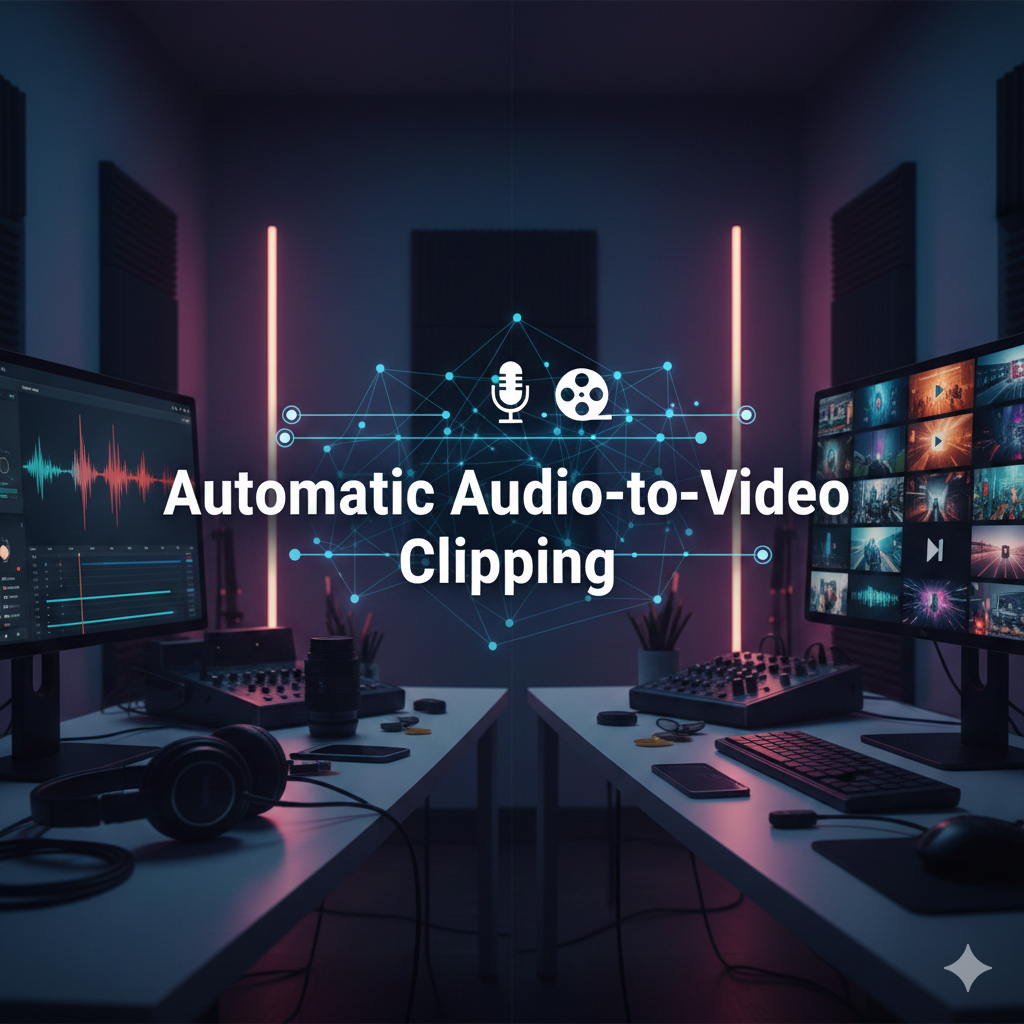
You talk, record and publish. And somewhere inside that long conversation sits a moment that deserves its own spotlight. But a great line doesn’t travel far without the right visual to carry it. That’s why Automatic Audio-to-Video Clipping feels like the missing piece. It doesn’t just extract sound. It builds a visual for it, almost like it knows the clip needs a face before the world pays attention.
Creating a Video Out of Thin Air
You don’t always have cameras running. Many podcasts are audio-only. Yet the internet rewards video more than anything else. So instead of leaving audio buried, the system takes it, wraps it in graphics, and presents it like a full-fledged video moment. Subtitles dance. Waveforms pulse. Key phrases appear in bold. And suddenly, a voice-only clip looks like something made for millions of scrolling thumbs.
No editing software. No complicated tools. Just upload, wait, and watch the transformation.
Making Every Clip Platform-Ready
Different platforms play by different rules. TikTok moves fast. YouTube Shorts needs clarity. Instagram Reels love personality. LinkedIn prefers a calmer tone. The system adjusts automatically. It formats clips, shifts layouts, spaces text, and matches style to each platform’s personality.
You don’t babysit the process. You simply choose where it’s going. And just like that, your best moments start showing up everywhere.
Letting Visuals Support the Message
A good clip doesn’t survive on audio alone. It needs visuals that guide the viewer from the first second to the last. That’s why the system highlights emphasis, magnifies reactions, and animates subtitles just enough to keep people looking. Nothing extra. No pointless motion. Just the right mix of clarity and movement to help the message land.
Silence gets trimmed. Pauses stay intentional. Words appear exactly when they’re spoken, not before or after. The rhythm feels natural, almost human.
Turning Audio Into Shareable Proof
People scroll quickly. They don’t trust text posts. They respond to visuals that feel real. With Automatic Audio-to-Video Clipping, spoken ideas become evidence. Heard words become something the audience can watch, replay, and react to. That’s how a sentence turns into engagement, and how a passing comment becomes something worth debating in the comments.
And when your content looks this polished without you touching an editor, the output feels effortless. Yet it works harder than you ever did.
A Silent Partner in Your Workflow
Deep inside every automated podcast clipping system, this conversion process works quietly. It transforms, formats, and designs autonomously, acting like a tireless visual editor that knows the goal—to carry your voice farther than a one-hour episode ever could.
Because great audio shouldn’t just be heard once. It should travel, should be seen and live again, in smaller pieces, across the places where attention actually exists.
Podcast Highlights Automation Tool
A long episode might feel complete, but audiences rarely consume it that way. Most people only discover podcasts through snippets—short, bold, replay-worthy segments that pull them in before they ever listen to the full show. And that’s exactly where a Podcast Highlights Automation Tool steps in. It doesn’t just create clips. It finds the parts that invite curiosity. The parts that make someone say, “I need to hear more.”
Finding the Echo, Not Just the Sentence
A highlight is more than a line taken from a conversation. It’s a moment that echoes after the words stop. The tool recognizes that. Instead of scanning for keywords or random timestamps, it studies cadence, energy, and how one idea leads to another. It senses a shift—when laughter suddenly turns thoughtful, or when a casual question becomes something deeper.
In seconds, it chooses the part that feels shareable. The part that remains memorable even without a full episode behind it.
Sorting Through Hours Without Resistance
Podcasters know the pain: hours of recording, hours of listening, hours of choosing. But a machine isn’t intimidated by time. While creators sleep, eat, or plan the next guest, the Podcast Highlights Automation Tool works through every second. It doesn’t get tired, distracted, or impatient. It simply searches for value.
Then, with no fuss, it turns scattered dialogue into a clean list of highlights—ready for final polish or immediate publishing.
Clips That Don’t Lose Their Magic
Sometimes editing ruins a moment. Trim too much, and the emotion dies. Leave too much, and the spark fades. The tool understands pacing. It respects pauses, acknowledges tone, and preserves tension where it matters. It tightens the clip without squeezing it dry.
Subtitles appear naturally. Voices stay authentic. Meaning stays intact. That balance keeps a highlight feeling alive, not filtered.
Every platform speaks its own language. You don’t argue with it—you adapt. The tool adapts for you. It takes a single highlight and formats it into multiple versions automatically. Horizontal. Vertical. Square. Fast subtitles for TikTok. Cleaner text for LinkedIn. Different beat, same message.
Suddenly, one moment becomes a small army of posts, marching across every platform without extra work.
Quiet Support for Your Entire Production
Hidden inside any strong automated podcast clipping system, this tool acts like a silent partner. It keeps your content flowing, ensures consistency during busy weeks, and guarantees you never run out of shareable pieces, even from older episodes.
Highlights no longer depend on long editing sessions or creative inspiration on a tired Sunday night. They exist because the system keeps bringing them to you—reliably, predictably, and without complaint.
Because sometimes, the best marketing doesn’t come from creating more. It comes from finally sharing what you already said—only this time, in pieces the world can’t ignore.
Full Automation Workflow: When Editing Runs Itself
There’s a moment when creation stops feeling like work. You record, you upload, and then everything else just… happens. No chopping timelines, dragging subtitles and guessing what to post next. That’s the real promise of a fully automated workflow. And deep inside it, an automated podcast clipping system takes control without asking for permission.
It doesn’t replace your voice. It simply carries it farther.
Step One: Upload and Forget
You drop your raw episode into the system. That’s it. No checking notes, no marking timestamps. You don’t even tell it where to look. The system listens from start to finish with more patience than any human editor could manage.
While you move on, it begins its job—quietly, intelligently, without tapping you on the shoulder for direction.
Step Two: Detect, Separate, Select
The system breaks the episode down like it already knows what to expect. It recognizes voices, differentiates tone, maps emotions, and follows conversation flow. It captures emphasis, humor, tension, curiosity. Then it picks moments that stand alone. Not random pieces. Real highlights.
It doesn’t hunt for “short clips.” It hunts for meaning in short form.
Step Three: Clean and Refine Automatically
Once the sparks are found, editing begins on its own. Filler words get trimmed. Pauses stay when they’re powerful, but disappear when they’re awkward. Volume levels balance out. Clarity sharpens. Subtitles generate naturally and sync with every syllable.
You don’t polish anything. The workflow does it patiently, invisibly, and without breaking the moment’s personality.
Step Four: Visual Formats Without Lifting a Finger
Next, the system visualizes the audio—just like a human designer would. It chooses templates, animates waveforms, highlights key phrases, formats subtitles, and reshapes the clip to fit whatever platform you pick. Horizontal or vertical doesn’t matter. Fast-paced or calm doesn’t matter. It adapts to each destination automatically.
Suddenly, clips feel native to TikTok, YouTube Shorts, Instagram, and even LinkedIn—with zero manual effort.
Step Five: Export, Schedule, or Publish Instantly
You receive fully edited clips that are immediately usable. Download them. Post them. Or better—let the workflow schedule uploads across platforms. Some systems even post on your behalf. Imagine clips going live while you’re asleep, traveling, or interviewing your next guest.
You stay creative, and the machine handles the repetition.
The Workflow That Keeps Giving
Once a full automation pipeline is set up, your content never runs dry. New episodes produce new clips. Old episodes can be rediscovered, resurfaced, and repurposed automatically. Weeks turn into months of content without you chasing deadlines.
No scrambling for ideas, late-night edits or burnout. What you record today keeps working long after tomorrow—and all because you stopped doing the tedious parts yourself, and let automation finally pull its weight.
Pricing and Hidden Costs to Watch

Automation sounds cheap at first. A few clicks, a monthly plan, and your editing troubles seem to disappear. But behind every subscription sits a question: What am I actually paying for? A good deal isn’t about the lowest price. It’s about avoiding the quiet charges that sneak in later. And when choosing an automated podcast clipping system, those hidden costs matter more than most people realize.
Where the Cost Really Starts
Every platform loves to advertise a small monthly fee. But the real cost usually hides in limits. Limits on clip length, restrictions on exports, and caps on how many episodes you can upload per month. You pay extra when you pass them—and you always pass them when you start creating consistently.
Creators don’t stop growing, but pricing plans act like you should. Paying More for “Features You Thought Were Included”
Subtitles? Some tools charge extra. Templates? Extra. Multi-platform exports? Extra again. Even features that seem basic get packaged as “premium upgrades.” Before you know it, your affordable tool becomes something you feed every month just to keep quality steady. You’re not paying for luxury. You’re paying to avoid bad output.
And that difference isn’t always clear until your clips suddenly look cheap and you’re forced to upgrade.
Time: The Hidden Currency
Sometimes the highest cost has nothing to do with money. Some tools do automation halfway. They produce clips, but require you to redo subtitles, fix pacing, correct text, change layouts, or re-export for each platform. The tool works—but you still do the heavy lifting.
A clipped moment that takes twenty minutes to fix isn’t automated. It’s disguised labor.
True automation saves your time, not just your wallet.
Scaling Without Breaking the Bank
A growing show needs more content, more highlights, and more formats. Many tools punish growth by charging extra per minute or per episode. That’s where smart pricing models matter more than big feature lists.
You should be able to scale freely, pay predictably, and never worry that a longer interview will cost more to clip. Because when scaling feels expensive, creators stop posting. And when creators stop posting, content stops working for them.
Human Support Doesn’t Need to Cost a Fortune
Some systems include expert touchups. Others charge separately for “human review.” The smarter setups blend both from the start. They don’t make you decide between automation and quality. They make sure both exist together without adding fees.
Look for tools that treat human help as part of the product—not a side hustle.
The Real Value Isn’t Cheapness
The best tool isn’t the lowest price. It’s the one that removes stress, doesn’t punish growth, and doesn’t nickel-and-dime you for basics. A strong automated podcast clipping system pays for itself every week by saving time, eliminating edits, and keeping your clips consistent.
In the long run, the real cost isn’t what you spend. It’s what you lose when the system doesn’t truly automate.
Conclusion
Podcasts are full of moments that deserve to be heard, shared, and remembered. Yet too often, they sit trapped in long episodes, lost between introductions, banter, and tangents. That’s the beauty of an automated podcast clipping system. It doesn’t just slice audio. It listens, understands, selects, and even shapes clips into shareable, ready-to-post highlights.
With automation, what once took hours now happens in minutes. Audio transforms into video. Highlights find their hook. Subtitles appear naturally. Platforms get content tailored to their style. And creators? They get their time back. They focus on conversations, ideas, and stories, while the system quietly does the repetitive work.
Ultimately, the real win isn’t in the technology itself. It’s freeing creativity, consistency, and reach. It’s about making your voice travel farther, faster, and smarter. Because when your best moments finally find the spotlight, you don’t just publish—you amplify, inspire, and connect.
Every Day You Wait, A Competitor Gets the View
We recruit, train, and manage a clipping army that distributes your content across 50–500 accounts on TikTok, Reels, and Shorts simultaneously. One upload becomes hundreds of posts. Every single day.
Trusted by 1,000+ creators · 10 Billion+ views generated