
Short-form video dominates social media today. TikTok alone has more than 1.5 billion active users, and the platform regularly pushes short videos to large audiences, even when an account has very few followers.
Because of this, many creators now turn long videos such as podcasts, livestreams, interviews, and webinars into short TikTok clips.
This process is called video clipping.
Instead of posting one long video, creators extract the most engaging moments and publish them as short vertical clips designed for TikTok, YouTube Shorts, and Instagram Reels.
If you want to scale short-form content without spending hours editing, you can explore our video clipping services
What TikTok Video Clipping Means
TikTok clipping means taking the best moments from long videos and turning them into short vertical clips.
These clips often contain:
- strong opinions
- useful advice
- memorable quotes
- surprising facts
- emotional reactions
Most high-performing clips range between 15 and 60 seconds.
A single long video can produce dozens of clips. For example, a two-hour podcast can easily generate 20–40 short clips when edited correctly.
Many creators now run clipping campaigns where long videos are repurposed into large volumes of short content.
Why TikTok Clipping Works
TikTok’s algorithm rewards videos that keep viewers watching.
Recent platform trends show:
- TikTok users spend 90+ minutes per day on the app
- Videos with higher completion rates receive more algorithm distribution
- Vertical short clips generate higher engagement than long videos
Because of this, creators often repurpose one long video into dozens of short clips.
If you want to understand the impact of clipping on creators, read: how social media clipping fuels creator growth
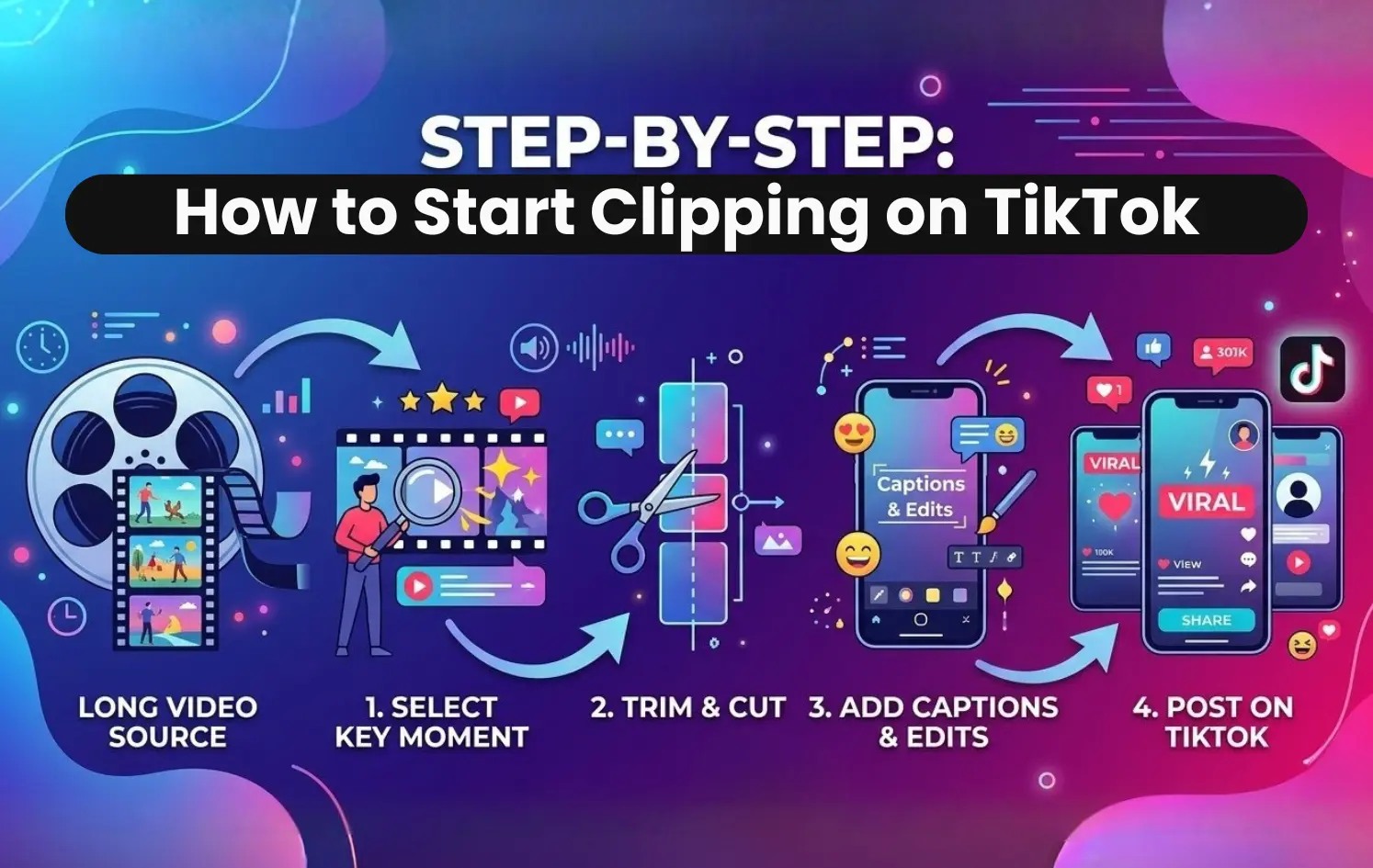
Step-by-Step: How to Start Clipping on TikTok
Choose Content Worth Clipping
Clipping works best when the original video contains strong insights or engaging discussions.
Common content sources include:
- podcasts
- livestreams
- interviews
- educational videos
Podcast clips are especially popular because they often contain clear opinions and useful insights.
Creators with podcasts often work with a podcast clipping agency to convert episodes into short clips.
Find the Best Moment
The most important skill in clipping is selecting the right moment.
Strong clips usually include:
- a clear message
- a surprising insight
- a strong opinion
- a useful tip
The clip should communicate one main idea quickly.
Avoid moments where the speaker takes too long to reach the point.
Trim the Clip
Once you identify a strong moment, trim it into a short video.
Most TikTok clips perform best between:
- 20 seconds
- 30 seconds
- 45 seconds
- 60 seconds
Short clips increase completion rate, which helps the TikTok algorithm distribute the video.
Convert the Video to Vertical Format
TikTok uses a 9:16 vertical video format.
If the original video is horizontal, crop the video around the speaker so the subject stays centered.
Many editors use face-tracking tools to automatically follow the speaker.
Add Subtitles
Subtitles are essential for TikTok clips.
Many users scroll through videos without sound, so captions help them understand the clip quickly.
Subtitles improve:
- watch time
- accessibility
- viewer retention
Add a Strong Hook
The first few seconds determine whether viewers continue watching.
Examples of effective hooks include:
- “Most creators make this mistake”
- “This podcast moment explains everything”
- “Nobody talks about this TikTok strategy”
A strong opening stops viewers from scrolling.
Post Clips Consistently
Consistency is important for growth.
Many clipping accounts publish two to five clips per day.
Frequent posting increases the chance of producing viral content.
How to Clip Videos Directly in TikTok
Some creators trim clips directly inside the TikTok app.
Step 1: Open TikTok and Tap the Plus Button
Tap the + icon to start creating a post.
Step 2: Upload Your Video
Select Upload and choose the long video you want to clip.
Step 3: Tap “Adjust Clips”
TikTok provides an Adjust Clips option that lets you edit and trim the video.
Step 4: Trim the Video
Use the trimming slider to select the exact moment you want.
Step 5: Add Text and Captions
Add subtitles or hook text so viewers immediately understand the clip.
Step 6: Post the Clip
Write a caption, add hashtags, and publish the video.
Tools Used for TikTok Clipping
CapCut
CapCut is one of the most popular tools for TikTok editing.
Features include:
- automatic captions
- vertical editing tools
- quick trimming features
It is beginner friendly.
Adobe Premiere Pro
Premiere Pro is widely used by professional editors.
It allows advanced control over:
- subtitles
- cropping
- visual effects
Descript
Descript simplifies editing for podcast clips.
Features include:
- transcript editing
- fast trimming
- audio cleanup
What Makes a TikTok Clip Go Viral
A Strong Opening
The first two to three seconds determine viewer retention.
Clips that begin with a strong statement perform best.
One Clear Idea
Each clip should focus on one key idea.
Trying to include multiple ideas reduces engagement.
Emotional Reaction
Emotion increases the likelihood that viewers will watch longer and share the clip.
Examples include humor, surprise, or excitement.
Short Duration
Shorter clips often generate higher completion rates.
Higher completion rates help TikTok distribute videos more widely.
Common Beginner Mistakes
Choosing Weak Moments
Not every part of a video works as a clip.
Choose moments that contain clear insights or strong statements.
Overediting
Too many effects can distract viewers.
Clean subtitles and simple edits work best.
Posting Inconsistently
Consistent posting increases the chance of growth.
Many successful clipping accounts post multiple clips per day.
A Simple Clipping Workflow
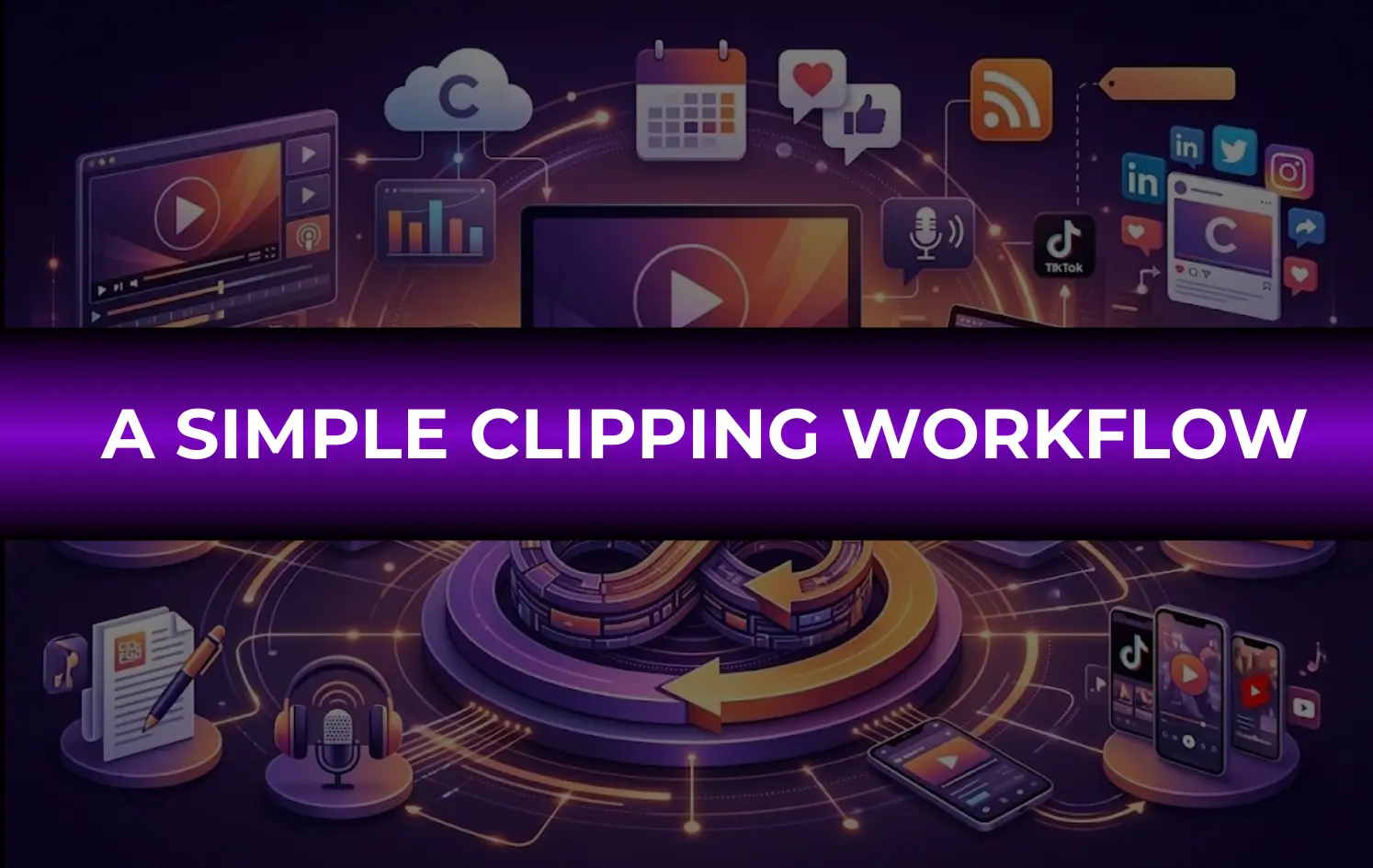
Most clipping editors follow this process:
- download long video content
- identify strong moments
- trim clips
- convert videos to vertical format
- add subtitles and hook text
- publish clips consistently
Some creators automate parts of this process. Learn more here: How an automated podcast clipping system saves you time
Final Thoughts
TikTok clipping allows creators to turn long videos into short content that reaches large audiences.
By selecting strong moments, adding subtitles, and posting consistently, creators can grow quickly on short-form platforms.
If you want to scale podcast clips, livestream highlights, or interview content, Clipping Agency helps creators turn long videos into high-performing short clips designed for TikTok, Shorts, and Reels.
FAQs
How long should TikTok clips be?
Most successful clips range between 20 and 60 seconds.
Do you need permission to clip videos?
Yes. Always obtain permission from the original creator or copyright holder.
Can beginners start clipping videos?
Yes. Many beginners start with simple editing tools like CapCut.
How many clips should you post daily?
Many clipping accounts post two to five clips per day.
What content works best for clipping?
Podcasts, livestreams, interviews, and educational videos often produce strong clips.