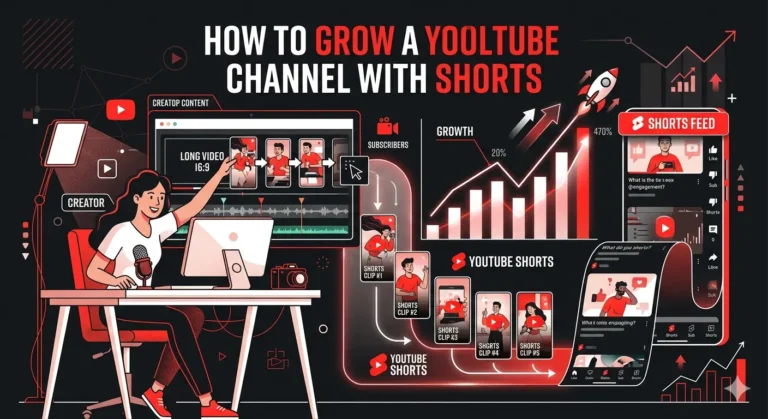

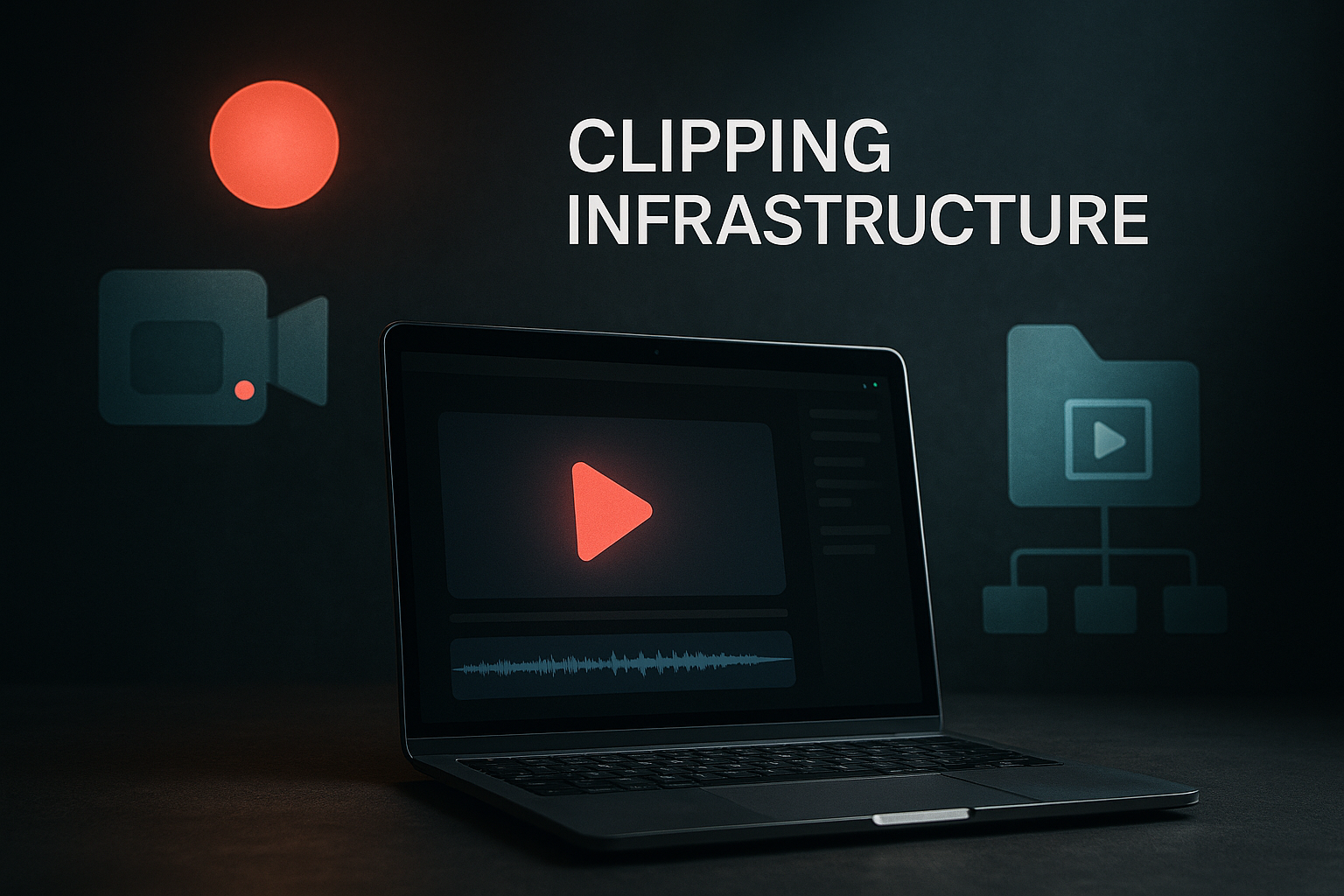
A clipping infrastructure setup helps creators turn raw footage into polished clips efficiently and consistently.
It starts quietly. Not with fancy software or a flashy edit, but with a simple idea: you need a system that actually keeps up with your content. The more you create, the more you realize that clipping isn’t just cutting videos it’s building a flow. A rhythm. Something that keeps moving even when you’re busy doing other things.
And that’s where a real clipping infrastructure setup comes in. It’s the behind-the-scenes engine that turns long videos into smooth, ready-to-publish clips without the usual chaos. Instead of scrambling through folders, jumping between tools, or trying to remember which clip goes where, everything sits in its place. Everything has a lane.
Because once the workflow is set, things feel lighter. You record, the system moves, and clips appear right when you need them. No guessing. No mess.
And the best part? When all the parts storage, clipping, editing, distribution finally work together, it doesn’t feel like work anymore. It feels like momentum. And momentum is what keeps content living, growing, and spreading far beyond a single upload.
What “Clipping Infrastructure” Really Means

It sounds technical at first. Maybe even a little overwhelming. But the truth is, a clipping system isn’t some complicated beast hiding behind a hundred dashboards. It’s simply the structure that keeps your content flowing without falling apart. And once you see it that way, everything starts to make sense.
It’s More Than Cutting Videos
Most people think clipping is just trimming a moment and posting it. But that’s only the tip of the process. A clipping infrastructure setup is the bigger, steadier frame that holds everything together. It’s how raw videos move from “just recorded” to “ready to publish” without bumps, delays, or endless back-and-forth messages.
It includes storage, sorting and finding the right moments, shaping them, refining them, and then sending them out into the world. It’s a pipeline sometimes simple, sometimes layered but always designed to keep you moving.
And the funny part? Once the system is built, the actual clipping becomes the easiest step.
A System, Not a Tool
People often chase tools. A new editor. A faster caption generator. Another “AI magic button.” But tools alone don’t fix chaos. What does fix chaos is a system, a reliable path where content moves from one stage to the next without confusion.
Think of it like traffic. One open road doesn’t solve everything. But a full map, with clear lanes and smooth turns, keeps cars moving. A clipping infrastructure works the same way. It creates order where there is noise. It gives your team or even just you a predictable way to produce short-form content without burning out.
Where Creativity Meets Structure
Some creators like to freestyle. Others prefer rigid workflows. A good infrastructure doesn’t force you to choose. Instead, it quietly supports both. It gives you room to experiment while still keeping things tidy in the background.
Your long-form recordings? They land in an organized place.
Your timestamps? They go to a shared board.
Your clips? They move through editing and approval without getting lost.
It’s a structure that doesn’t feel restrictive. It’s the kind that lifts the weight off your shoulders.
Who Needs It? Almost Everyone Creating at Scale
Whether you’re a solo creator trying to post daily, a brand repurposing webinars, or a team managing multiple clients, a clipping setup becomes a lifesaver. Our clipping services come with the full setup already built — Whop configuration, dashboard, editor recruitment, and distribution rules all in place from day one, so you’re not piecing it together yourself.
Because when content piles up and it always does, your infrastructure is the thing that keeps you sane.
The Real Meaning Sits in the Flow
In the end, “clipping infrastructure” is just a fancy name for a smooth, steady workflow. A quiet machine in the background. Something that turns long-form videos into a stream of polished clips without forcing you to babysit every step.
And once it’s built, everything else speed, quality, creativity comes a lot easier. That’s the real value. The flow. The ease. The sense that everything finally clicks into place.
Recording Inputs: The Sources That Feed the System
Before any clip goes live, there’s always something that comes first, the raw material. The long videos. The streams. The talks. The moments that haven’t been shaped or trimmed yet. And understanding these inputs is where a strong clipping infrastructure setup really begins.
Long-Form Videos: The Big Source
Most clipping systems start with long-form content. Podcasts. Interviews. Webinars. Panels. Courses. The kind of recordings that run for an hour or two and carry dozens of tiny moments inside them.
These videos are gold mines. Some parts spark curiosity. Others land like punchlines. A few slip by quietly but still hold potential. When you know how to handle long-form footage, finding those moments becomes a lot easier.
And the best part? One solid video can fuel a week’s worth of short-form content, sometimes more.
Live Sessions: The Unscripted Treasure
Then there are the live pieces. Streams. Q&A sessions. Presentations. Keynotes. Events. They’re messier, sure. Less polished. But that’s why they work so well.
Live recordings carry energy you can’t fake. The laughter. The unexpected stories. The small stumbles that make a speaker human. These moments often become the best clips because they feel real.
But live content also needs structure in how it’s captured and saved. Without a system, you end up with hours of footage scattered across drives or platforms. With one, everything stays in reach.
Screenshares and Demos: The Overlooked Content Source
Some people forget about screenshares. Or product demos. Or recorded walkthroughs. But these often turn into the most actionable clips. When someone explains a tool, shows a process, or breaks down a workflow, audiences lean in.
Even simple demo moments clicking through a dashboard or sketching an idea can be turned into clean, helpful short-form videos. They add practicality to your content mix.
Guest Clips and External Footage
Sometimes the source isn’t even yours. It might come from a collaborator. A guest speaker. A partner brand. Or someone who recorded b-roll for you.
These inputs can add variety, new voices, and fresh angles. They also help fill gaps in weeks when you’re not recording much on your own. The key is organizing them early, so they never feel like a surprise drop-in.
Why Inputs Matter More Than People Think
A clipping system only works when the inputs are steady and well-handled. If your sources are messy, your workflow becomes messy. If recordings are unlabelled or stored in random places, your team wastes hours looking instead of clipping.
But when inputs are clean, saved properly, labeled clearly, and funneled through one path everything downstream runs smoother. Editors move faster. Reviewers stay aligned. Distribution becomes simple.
Because at the end of the day, the quality of your output starts with the consistency of your input. And when that part is handled right, the entire pipeline feels lighter, calmer, and far more productive.
Content Clipping System Setup
There’s a moment when every creator or team realizes they can’t keep clipping videos “as they go.” It works at first. It even feels manageable. But eventually, the volume grows, the pace picks up, and the old way starts slowing everything down. That’s exactly when a real clipping infrastructure setup steps in and changes the entire rhythm.
Because clipping isn’t just an action. It’s a process. And when the process runs smoothly, everything else follows.
Start With Clear Clipping Criteria
Before cutting anything, you need to know what you’re looking for. The best content clipping system setup starts with simple, human rules.
Moments that spark emotion. Sentences that stop you. Ideas that make you lean in. Hooks that grab attention in the first two seconds. Even tiny reactions that feel honest.
These criteria help everyone whether it’s you, an editor, or a larger team spot the exact moments worth turning into short-form clips. It’s also how you keep the style and storytelling consistent, no matter who handles the footage.
Create a Repeatable Clip Selection Pipeline
Once you know what counts as a clip, you need a path. Not a complicated maze, just a clear, repeatable flow. Something like:
Watch → Timestamp → Tag → Approve → Cut → Polish
It looks simple. And that’s the point. A good pipeline removes hesitation. It gives your team a shared language. It also helps you avoid the back-and-forth that usually slows down production.
When each step has a purpose, clipping feels less like a scramble and more like a steady movement.
Use AI Tools, but Don’t Hand Them the Wheel
AI is helpful. It speeds up searching, moments you might miss. It even drafts captions. But the strongest content clipping system setup doesn’t rely on AI to make creative decisions. Instead, it uses AI as a supportive tool.
Let it recommend clips, not choose them. Let it assist with captions, not rewrite your message. Also, let it automate small tasks, not define your brand.
Because creativity still comes from human eyes. The instincts. The tone. The emotional pulse. AI can speed the process up, but it shouldn’t steal the direction.
Assign Roles Even If You’re a One-Person Team
Every system works better when responsibilities are clear. Some setups use different people for each stage sourcer, clipper, editor, reviewer. Others keep it simple with one or two. Even if you’re solo, assigning roles mentally can help you separate tasks and avoid burnout.
“Right now I’m sourcing moments.”
“Now I’m clipping.”
“Now I’m polishing.”
This small shift keeps your workflow clean and prevents multitasking from slowing you down.
The System Makes the Clipping Easier
When your setup is in place, something changes. The process feels lighter. You stop guessing where things go. You stop digging through folders. Moreover,you stop stressing about what to post next.
The structure supports you. The tools follow your lead. The workflow moves forward without forcing you to push it.
And that’s the real beauty of a proper clipping system: it turns effort into flow and keeps your content pipeline alive day after day.
Short-Form Content Workflow

Once the clips are found and the moments feel clear, the real flow begins. This is where everything shifts from raw pieces to polished posts. And surprisingly, this stage often decides whether your system feels smooth or stressful. A good Short-Form Content Workflow keeps things moving without friction. It also keeps you from feeling buried under dozens of clips waiting for attention.
And when it connects cleanly with your clipping infrastructure setup, the whole process starts to feel almost effortless.
Sort Clips Into Simple Buckets
Not every clip has the same job. Some clips are designed to hook, others to teach, and others to reinforce a bigger message—all working together with purpose. And some are just quick, fun bites that add life to your feed. A few buckets help:
- Hero clips — the strong, punchy ones.
- Supporting clips — softer moments that add context.
- Micro moments — short reactions, quick tips, or tiny insights.
- B-roll riffs — visual add-ons for variety.
This small step keeps your workflow grounded. You always know what you’re working with and where each clip fits.
Batch Everything to Save Time
Clipping one video today, one tomorrow, and one next week creates chaos. But batching creates calm. When you sit down and process several clips in one focused window, everything moves faster.
- You review more smoothly.
- You edit with more rhythm.
- You stay in the same headspace.
It’s one of the simplest ways to speed up your Short-Form Content Workflow without adding new tools or new people.
Add Captions and Formats Before Editing Too Deeply
Captions matter. Formats matter. Viewers notice them instantly. But instead of doing them at the end, add them early. This gives you a clear picture of how the final clip will look.
- Vertical for TikTok and Reels.
- Horizontal for YouTube.
- Square for feed posts or carousels.
This step also prevents a lot of last-second fixes. When you set your formats early, the editing becomes more about polishing than rebuilding.
Keep Editing Clean and Consistent
Short-form clips don’t need heavy editing. They need clarity. A clean cut. A good flow. Audio that feels steady. Maybe a light color lift. Maybe a subtle frame or branded touch. Nothing too loud unless it matches your style.
The goal isn’t to impress with effects.The goal is to keep attention. When your editing stays simple, your workflow stays fast.
Finalize With a Clear Export Strategy
Finally, exporting becomes easier when everything else is clean. Use clear naming. Keep one folder for ready-to-post clips. Keep another for drafts. Even small habits like this prevent mix-ups and save hours down the road.
Because once your workflow is solid, your content pipeline stays alive. Clips roll out consistently. You never feel behind. And the whole system clipping, sorting, polishing, exporting moves like one connected flow.
In the end, that’s the whole point. You build a workflow so your ideas don’t get stuck. And once it runs smoothly, short-form creation starts to feel less like work and more like momentum.
Video Distribution Infrastructure

There’s this moment after editing when a clip feels ready. Polished. Clean. Set to go.
But then a different question shows up: Where does it go now? And more importantly, how does it get there without turning into another messy, manual chore?
This is where a real Video Distribution Infrastructure steps in. It’s the quiet bridge between “clip is done” and “clip is live,” and when it works well, everything downstream becomes lighter.
And the best part? When it connects smoothly with your clipping infrastructure setup, distribution doesn’t feel like a separate task anymore. It becomes part of the natural flow.
Map Every Platform’s Needs First
Every platform behaves differently. TikTok wants fast hooks and TikTok is usually the fastest platform to see early traction from a new clip setup, which is why our TikTok clipping agency has that distribution network already in place. Instagram likes polished visuals. YouTube Shorts love pacing. LinkedIn prefers clarity.
So before posting, it helps to map out what each platform expects. Clean formats. Correct ratios. Strong thumbnails. Captions that match the vibe.
- Clean formats.
- Correct ratios.
- Strong thumbnails.
- Captions that match the vibe.
This little map saves time and prevents dozens of re-exports. It also keeps your distribution consistent across every channel.
Create a Posting Calendar That Breathes
A lot of people build rigid posting calendars. They always fall apart. Life gets in the way. Clips get delayed. Ideas shift. Something timely pops up.
A smarter approach is a flexible calendar one that guides you without boxing you in.
Maybe you post three times a week, daily or you rotate formats. The structure is there, but the pressure isn’t.
This keeps your Video Distribution Infrastructure steady without draining your energy or creativity.
Use Scheduling Tools, but Don’t Let Them Take Over
Schedulers help. They keep you organized. They prevent midnight posting sessions. But they’re tools not replacements for judgment.
- Let them do the automation.
- Let them handle the timing.
- Let them keep the queue full.
But always keep space for manual posts when something feels fresh, timely, or too good to wait. That balance makes distribution feel more human and less robotic.
Keep a Library of Platform-Specific Variations
Sometimes the same clip needs a different look depending on where it goes.
- A tight crop for Shorts.
- A softer caption style for Instagram.
- A clearer, more professional cut for LinkedIn.
Instead of changing everything every time, create a simple library of variations you can reuse. It makes posting faster. It also keeps your brand voice recognizable across platforms.
Track What Works, but Don’t Obsess
Analytics matter. They show you what’s landing and what’s not. But watching numbers too closely can freeze your creativity. Use them as a guide, not a scoreboard.
- Check patterns.
- Notice watch time.
- See which hooks pull people in.
- Adjust naturally.
Good distribution grows through small, steady improvements not through overthinking graphs.
The Quiet System That Keeps Content Alive
In the end, distribution isn’t about pushing content out, it’s about keeping it moving. Launching your first clipping campaign is where the distribution actually starts — submissions come in, clips go out, and your content begins compounding across every platform you’ve mapped. A steady infrastructure makes sure that momentum never stalls.
Common Mistakes Teams Make and How to Avoid Them

Even the best teams slip up. The good news? Most mistakes in a clipping infrastructure setup are predictable. And once you know what they look like, you can step around them instead of walking straight into chaos.
1. Treating Tools Like Strategy
A lot of teams jump into buying tools because they look shiny. They assume software alone will keep everything smooth. But tools without a plan? That’s like buying gym equipment and expecting abs overnight.
You need a strategy first. A simple one. What content matters? Who touches the file next? Where does each version go? Once the roadmap is clear, tools actually become helpful instead of overwhelming. So start with the workflow, then layer in tech. Always in that order.
2. Overcomplicating the Workflow
Here’s another common trap: making the process way too complex. It usually starts with good intentions “Let’s add one more review step,” or “Let’s store backups in six folders just in case.” Before you know it, the team is drowning in steps no one remembers.
Keep it simple. Trim the workflow until it feels effortless. The easier the path, the faster content moves and the less your team drags their feet.
3. Not Naming Files Like Civilized Humans
This one sounds small, but it wrecks entire pipelines. Files named final.mp4, final-final.mp4, or done-v3-FINAL-FOR-REAL always come back to haunt you. When multiple editors touch the same project, unclear naming kills speed and trust.
Create a naming system. Stick to it religiously. Something like:
creator_topic_date_version
Suddenly things stop disappearing. Everyone knows where everything belongs. And updates become painless.
4. Forgetting About Storage (Until Everything Breaks)
Storage problems sneak up quietly. Maybe the team thinks the drive will never fill up. Maybe everyone assumes someone else is backing things up. Eventually, something crashes and the whole content pipeline freezes.
To dodge this one, think ahead. Set capacity alerts. Clean archives monthly. Use mirrored storage if the budget allows. Storage isn’t glamorous, but losing content hurts more than maintaining it.
5. Leaving Distribution Until the Very End
A big mistake teams make is treating distribution like an afterthought. They focus so hard on editing that they forget the finish line. Then, when it’s time to post, everything feels rushed.
Instead, plan distribution early. Know your platforms, your formats and how each piece will be sliced and shared. This not only saves time but also shapes the entire production flow.
6. Ignoring Feedback Loops
A system without feedback becomes outdated fast. Yet many teams never pause to ask: “Is this still working?”
Build a quick feedback rhythm. Weekly or bi-weekly check-ins work wonders. Talk about what slowed the team down. What saves time. What needs tweaking. Small improvements compound into massive efficiency.
7. Doing Everything Manually (Even When They Don’t Have To)
Automation doesn’t replace creativity; it removes the grunt work. But many teams cling to manual steps simply because “that’s how we’ve always done it.”
Look for tasks that repeat. Compressing files. Renaming drafts. Sending assets to editors. These are all things automation can handle quietly in the background. And when it does, your team gets more space to think, create, and breathe.
Quality Control System
Quality doesn’t happen by accident. It’s the result of a simple, predictable system that catches problems before your audience ever sees them. And in any modern clipping infrastructure setup, quality control isn’t just “nice to have.” It’s the backbone that keeps everything sharp, consistent, and actually worth sharing.
Why Quality Control Matters More Than You Think
Great content can fall apart at the last step. Maybe the audio dips, subtitles drift or the pacing feels off. When those small details slip through, your entire workflow loses its edge.
That’s where a clean, repeatable quality system steps in. It gives your team a checklist, a rhythm, and a shared definition of “done.” And once everyone aligns on quality, the whole pipeline becomes smoother.
1. Build Clear Review Stages
Start by dividing your quality process into simple stages. Early checks. Mid-edit checks. Final checks. The clearer the checkpoints, the less confusion later on.
At the beginning, editors review structure, flow, and timing. In the middle, they confirm pacing, cuts, and transitions. Near the end, they check subtitles, captions, color, and audio.
This step-by-step rhythm stops the team from rushing through the final hours and wondering why something feels “off.”
2. Standardize What “Good” Looks Like
Teams often say “make it clean” or “keep it sharp,” but those phrases mean nothing without standards.
So create a quality guide. Nothing extreme—just a one-page rulebook. It should outline things like ideal clip length, frame rate, subtitle style, and color grading preferences.
Once the team has that shared definition, the content starts looking more like a brand and less like a patchwork of personal styles.
3. Use Templates to Reduce Guesswork
Templates save energy. Thumbnail templates. Caption styles. Hook formats. When your team uses the same foundation, the review process becomes faster. And fewer mistakes slip through.
Plus, templates make the whole workflow feel lighter. People stop reinventing the wheel, and your content stays consistent without extra meetings.
4. Add a Fresh Pair of Eyes at the End
No matter how sharp the editor is, they will always miss something they’ve looked at for hours. That’s why a final reviewer, someone who hasn’t touched the edit, is essential.
They catch the awkward jump cut. The missing comma in subtitles. The frame that flashes too quickly. This last pass doesn’t take long, but it lifts the quality in ways automated tools simply can’t.
5. Track Errors and Improve the System
A quality system isn’t a one-time setup. It evolves. And the easiest way to improve it is by tracking recurring mistakes.
- If captions often drift, fix that step in the workflow.
- If audio levels keep breaking, adjust your template.
- If inconsistent styles appear, update your standard guide.
Each improvement compounds. Slowly, your pipeline becomes leaner, cleaner, and harder to break.
Conclusion
Building a smooth content pipeline doesn’t happen by accident. It takes thought, patience, and a system that keeps every piece moving without chaos. A well-designed clipping infrastructure setup does exactly that: it quietly holds the process together while your creativity flows.
From recording inputs to clipping, editing, short-form workflow, and distribution, each step matters. Miss one, and the whole rhythm stumbles. Follow them, and everything clicks. The system becomes less about effort and more about momentum.
And that’s the secret: when structure and creativity meet, content stops feeling like a task. Clips appear on time, formats stay consistent, and every piece finds its place without dragging you down. You gain clarity, speed, and the freedom to focus on what matters, telling stories, sharing ideas, and connecting with your audience.
At the end of the day, a strong clipping infrastructure isn’t just a tool or a workflow. It’s the quiet engine that keeps your content alive, moving, and ready for whatever comes next.
Every Day You Wait, A Competitor Gets the View
We recruit, train, and manage a clipping army that distributes your content across 50–500 accounts on TikTok, Reels, and Shorts simultaneously. One upload becomes hundreds of posts. Every single day.
Trusted by 1,000+ creators · 10 Billion+ views generated